
Lighting audits, design and proposals.
Collect site data, select replacement products and calculate project costs and savings. Generate proposals from the same project.
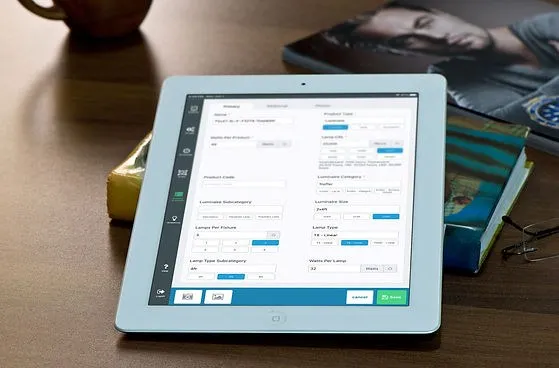
Record fixtures, photos and floor plans.
The mobile audit is built for the way a site visit actually goes: rooms, fixtures, photos, schedules, notes and the details that are easy to miss. Customize the form, pin fixtures to a floor plan and keep working when the signal drops.
- Custom fields and audit structure
- Floor plans, pins and photos
- Two-way sync when you’re connected
- Works on a tablet in the field

Compare products, costs and savings.
Build replacement options from real product catalogs, then compare cost, savings, rebates and margin side by side. The audit data is already there, so the estimate starts from the project instead of a blank spreadsheet.
- Manufacturer product data and spec sheets
- Unlimited solutions and ECMs
- Project costs, margins and rebate estimates
- Favorites and defaults for repeat work
Create a branded energy-savings proposal.
Turn the project into a branded energy-savings proposal with the costs, cash flow and payback your customer needs. Choose a template and attach spec sheets and supporting files.
- 35+ proposal and report templates
- Branded, customer-ready PDFs
- Attach spec sheets and supporting files
- Savings, payback and cash-flow views
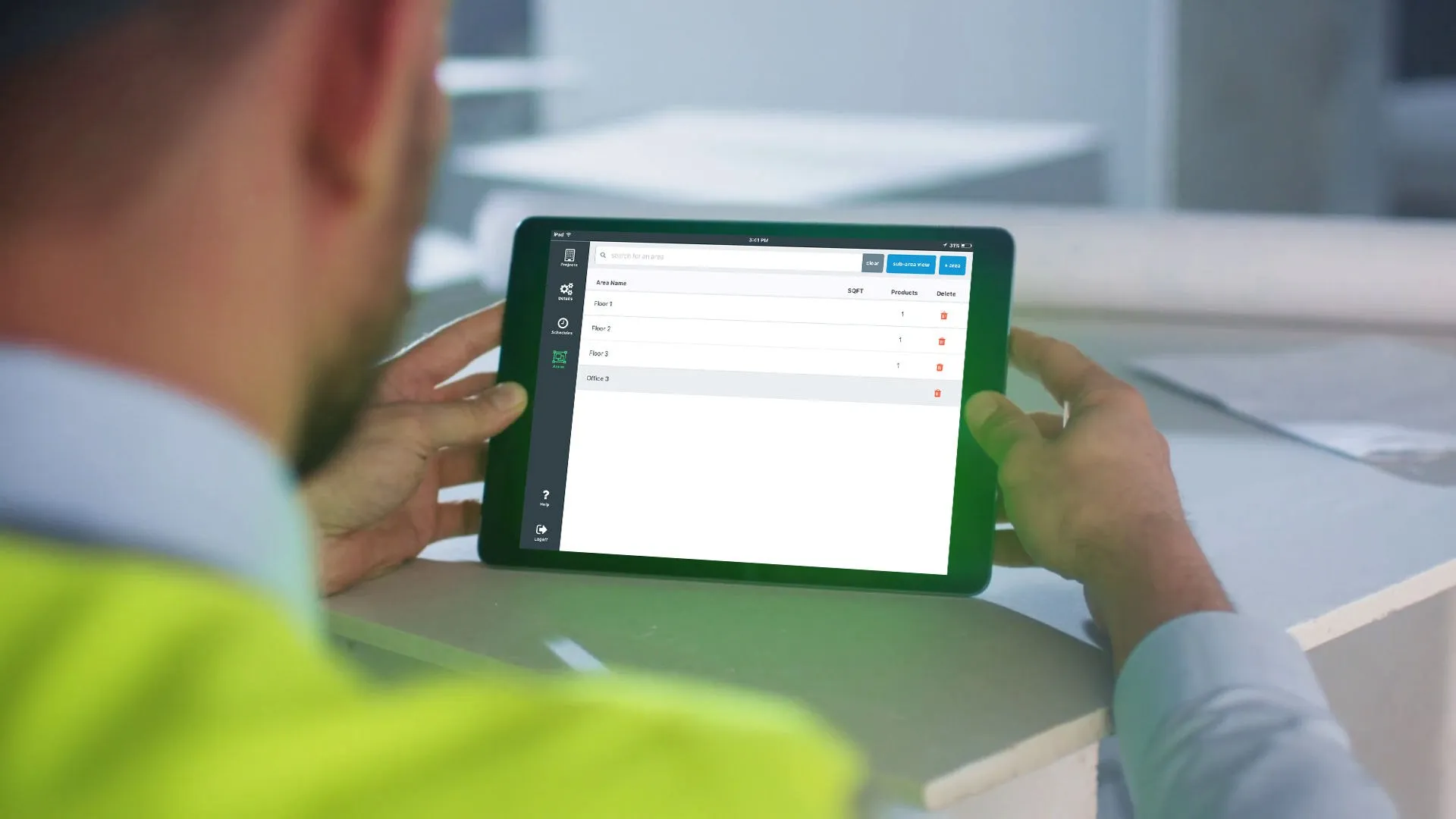
Audit fields, catalogs and team access.
Configure audit fields, invite collaborators and export project data for your team.
Planning a site survey? Read our lighting audit tipsand lighting retrofit sales guide.
Audit customization
Choose the fields your team collects, or build your own. More than 130 attributes are available.
Floor-plan mapping
Pin fixtures, foot candles and photos to a floor plan or map so the site is easy to understand later.
Offline capture
Work without a connection on site, then sync to the cloud when you’re back online.
Manufacturer catalogs
Search, price and specify products from participating manufacturers and distributors.
Unlimited solutions
Create as many areas, line items, solutions and ECMs as the project needs.
Roles & permissions
Invite your team and third-party collaborators, then control what each person can see and change.
Bulk changes & imports
Mass update products, projects, solutions and proposals, or import existing project data.
Reports & exports
Export project information to CSV or Excel, including photos and attachments.
Replace separate notes, spreadsheets and PDFs.
Keep field notes, product selections and estimates in the same project. Build reports from that data and attach the supporting documents.
Pencil and paper
Replace scattered notes with a structured audit that becomes the source for design and estimating.
Spreadsheets
Keep product, cost and savings data in one project instead of reconciling versions by hand.
Disconnected PDFs
Build the proposal from the same project data, with the supporting detail attached.
See the platform in a demo.
We’ll show you how to record an audit, compare products and prepare a proposal.